

Introduction
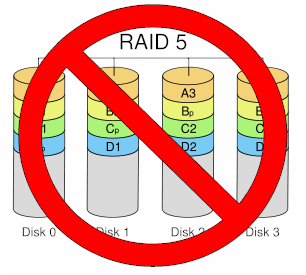
RAID (Redundant Array of Independent/Inexpensive Disks) technology is a great innovation in storage technology, allowing something that is fundamentally unreliable and slow—hard drives—to become faster and more robust. As with any technology, however, you should understand the tradeoffs and not blindly apply it to real or perceived problems. I had the opportunity recently to learn this first hand. The experience was such a "D’oh!" that I thought it worth passing on.
In concept, RAID 5 NASes provide a great way to get a large amount of storage while lowering the odds of data loss by disk crash. RAID 5 systems are more efficient than RAID 1 (mirrored) because you lose only the equivalent of one drive’s capacity in an array of three or more drives. RAID 1 systems lose 100% of the capacity of the second drive.
However, as was made evident from my recent experience, RAID only provides insurance against drive failure. If some other part of your NAS system goes South, all of that wonderful RAID goodness won’t make your data available.
What happened to me was the the controller board in my RAID 5 NAS went belly up. It could just as easily been the power supply, which I actually first thought was the culprit and wasted a week replacing. Or the main or power supply fans, whose failures should have caused a thermal shutdown.
The good news is that I use my NAS only for backup of my primary work machines. So the only thing I lost during the two weeks that the NAS was down was the comfort of knowing that my files were backed up every four hours.
But what I had been using the NAS as my primary file store? Or been burglarized? Or had a fire or unexpected flood? All of those wonderful RAID parity bits would have been useless because they were all part of the same box.
The fact is that most home, SOHO and smaller business users don’t need the constant availability that RAID was designed for. While centralized databases supporting dozens of transactions per second do need to be able to stay up and running if a drive dies, less intensive uses can take a different approach to data security.
Redundancy, but not RAID
The simpler approach is to use just the first "R" of RAID—Redundancy—and skip the array. While not as elegant as a full RAID solution, using a second NAS to back up the first provides two key advantages for small networks.
The most important advantage is that it provides complete redundancy. Since each NAS is self-contained with its own drive, power supply and processor, it stays up when anything—not just a drive—fails on the other.
Using a separate, networked NAS also allows physical separation between the primary and backup NAS. You can use this advantage to place the backup NAS in a different, perhaps hidden, location to provide additional physical security. You can even use a wireless (in a pinch) or powerline (preferred) bridge if you don’t have an Ethernet drop where you want it. Since the backup is a background activity, you don’t need the best in throughput.
In order to make this approach work, one of the two NASes must support scheduled backup to or from a networked drive. Most all NASes support backup to a USB-attached drive and many can do this trick with a networked share. But some drives support only attached-drive backup. So you may need to download the user guide of a product you’re thinking of purchasing in order to know for sure.
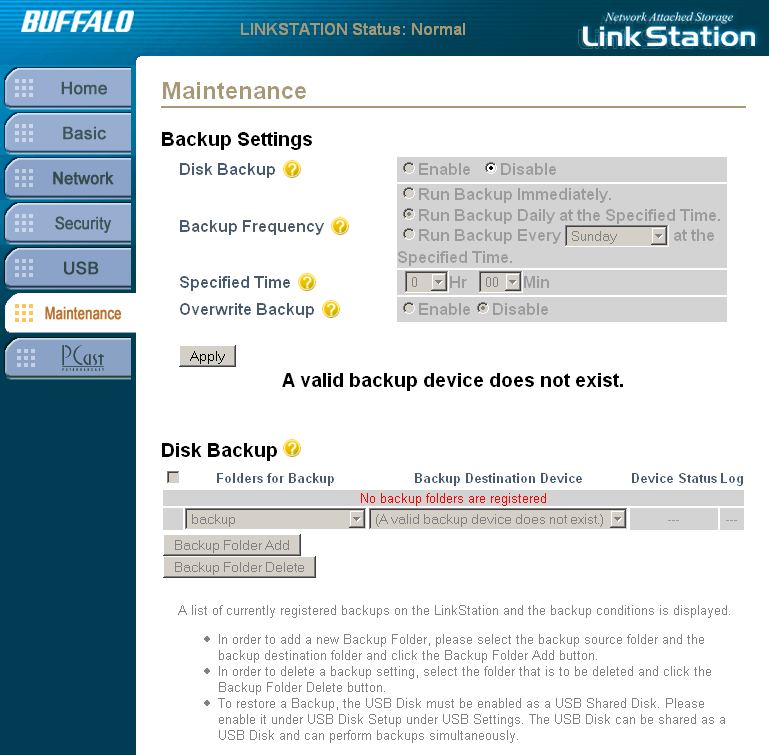
Figure 1: No network backup
For example, Figure 1 shows the Disk Backup screen for an original-version Buffalo LinkStation. The "A valid backup device does not exist" message is shown because a USB drive isn’t attached and backup to a networked share isn’t supported.
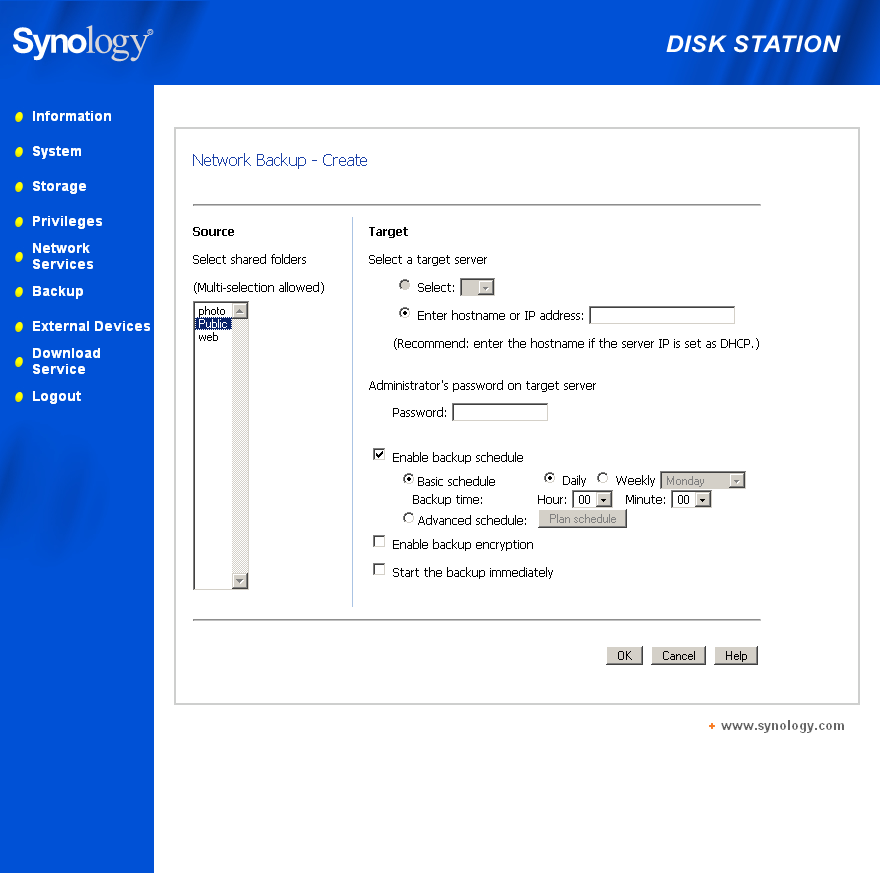
Figure 2: USB and network backup supported
Figure 2 shows the Network Backup screen from a Synology DS-207. The greyed-out Select button would allow selection of an attached USB drive (if one had been attached). And you can see the Enter hostname or IP address: box where you can specify a networked share for backup.
The separate backup NAS approach can also be less expensive than RAID. For example, as I write this, you can pick up two 500 GB Buffalo LinkStation Pros for about $500 including shipping. By contrast, a 1 TB Terastation Pro II—which provides only around 680 GB of RAID 5 storage—costs about $250 more.
The main disadvantage to the backup NAS approach is that you have to manually intervene when the primary NAS fails. But if the backup NAS has the same folder structure as the primary, this can be as simple as changing the IP and hostname of the backup NAS to be the same as the primary. You will probably need to change permissions on the backup, too, since they were probably set for protected access only to prevent user access.
You also have to recognize that the backup probably won’t be an exact duplicate of the primary due to the file changes that occurred between backups. But depending on how you use the primary NAS, the effect can range from the loss of a few hours work to no data loss at all.
As for me, my primary to secondary NAS backup is running right now. And I know that no matter how my primary NAS fails the next time, I’ll be back up in minutes, not weeks.